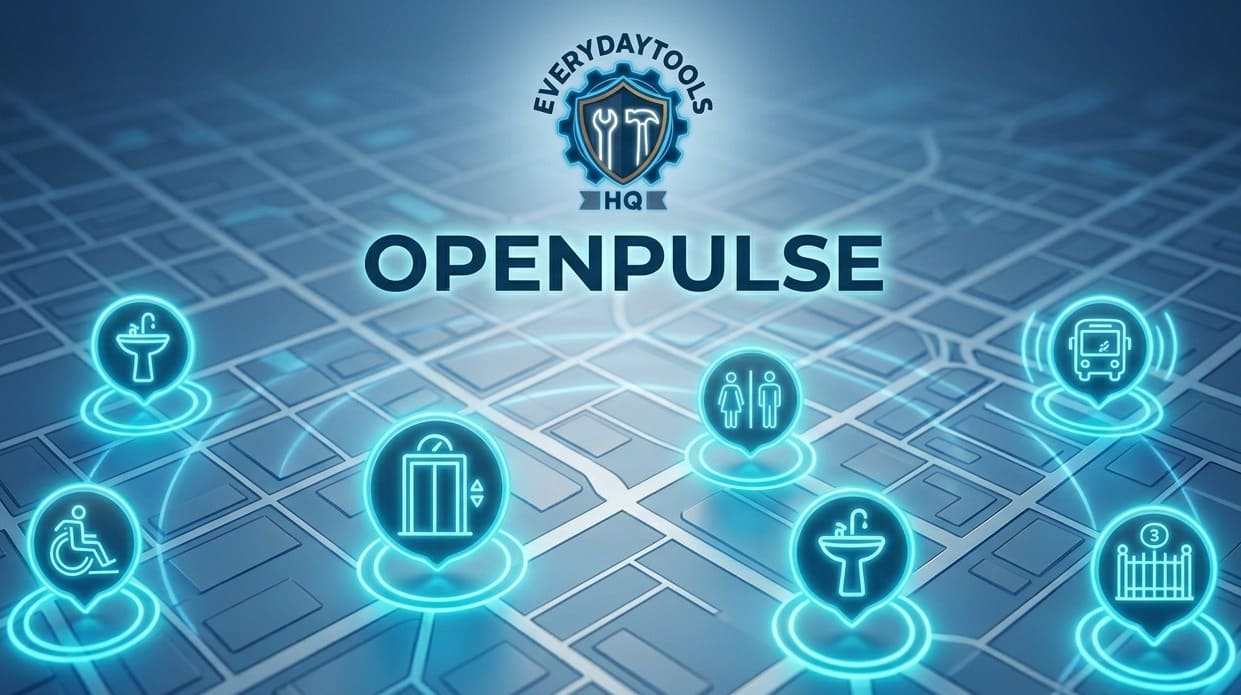
OpenPulse — Live Public Infrastructure Map
Live Public Infrastructure Data

OpenPulse_ live city lens

Real-time status of public infrastructure near you. Lifts, toilets, water, benches, AEDs — see what's open or broken right now, and report changes instantly. Free. No sign-up. Forever.

Live OSM Data
No Sign-Up
Community Reporting
100% Free
🌤️ Near you now: 🌡️ 💧 🌬️
🚇 TfL Live Lifts: Full TfL status →
Quick:
More:
Radius: 500m

Status

Open / Working
Closed / Broken
Unknown
Press "Find Near Me" to load live data for your location

How OpenPulse Works LIVE

OpenPulse connects directly to OpenStreetMap via the free Overpass API, and pulls live weather from Open-Meteo. No server. No database. No cost.

01
📍 Locate
Browser GPS pinpoints you. Coordinates never leave your device.
02
🔍 Query
Overpass API fetches all public facilities within your chosen radius from live OSM data.
03
🌤️ Weather
Open-Meteo gives live conditions — useful for water fountains, seating, or outdoor access.
04
🟢 Evaluate
Status tags, opening hours and access conditions checked. Colour-coded instantly.
05
⚡ Report
Click any marker → one tap to report a change → live globally within minutes.

What OpenPulse Tracks

🛗
Lifts
Working? In service?
🚻
Toilets
Open? Baby change?
🚰
Water
Active? Seasonal?
🪑
Seating
Benches nearby
❤️‍🔥
AED
Defibrillators
📮
Post Boxes
Collection times
🚲
Bike Repair
Public stations
♻️
Recycling
Drop-off points
📶
Free WiFi
Public hotspots
☎️
Phone Boxes
Emergency phones
🗑️
Waste Bins
Litter & dog waste
Accessibility
Wheelchair access

Report a Change in 10 Seconds

Spotted a broken lift? Fountain turned off for winter? Gate locked when it shouldn't be? Report it in one tap — your update goes live for everyone worldwide within minutes.

Quick Report (from this tool)

Click any marker on the map → press "Quick Report" → choose what you found (working, broken, closed, etc.) → done. No account needed. OpenPulse generates the right OpenStreetMap edit link pre-filled with the correct location and tag.

Full Edit on OpenStreetMap

For advanced edits — adding opening hours, wheelchair access, notes — use the "Full Edit on OpenStreetMap" button. It opens the OSM editor pre-loaded at that exact node. Your edits benefit every app that uses OSM data: Apple Maps, Meta, Amazon, and thousands more.

Why It Matters

A broken lift isn't an inconvenience for a wheelchair user — it's an impassable barrier. A locked gate wastes a journey. Every report you make makes the world more navigable for everyone, especially people who rely on infrastructure being reliable.

Frequently Asked Questions

Is the lift working near me right now?
OpenPulse shows all mapped lifts within your radius. Green = working, Red = broken/out of service, Amber = no status data yet. Report discrepancies instantly via any marker.
How fresh is the data?
Live from OpenStreetMap via the Overpass API — typically 1–2 minutes behind real-world edits. Weather updates every 15 minutes from Open-Meteo. Far more current than any AI or static database for hyperlocal changes.
Does OpenPulse store my location?
No. Your GPS coordinates are used only in your browser to build the query. They are never transmitted to any OpenPulse server — because there is no OpenPulse server. It's a single HTML file running entirely in your browser.
Why are there no results in my area?
Coverage depends on OpenStreetMap volunteers in your region. Urban areas in Europe, Japan, North America and Australia have excellent coverage. If your area is sparse, contribute to OSM and your additions appear in OpenPulse immediately.
What does "Status Unknown" (amber) mean?
The facility is mapped but has no operational status or opening hours tagged. It may well be open — it just hasn't been verified yet. Use the Report button to add what you know.
Can I use it without sharing my location?
Yes. Decline location access and navigate the map manually. Double-click anywhere to query that area. All data is still accessible.
Is OpenPulse available as an app?
OpenPulse works as a Progressive Web App. On iOS: tap Share → Add to Home Screen. On Android: browser menu → Add to Home Screen. No app store, no updates to manage.